Words Overlapped
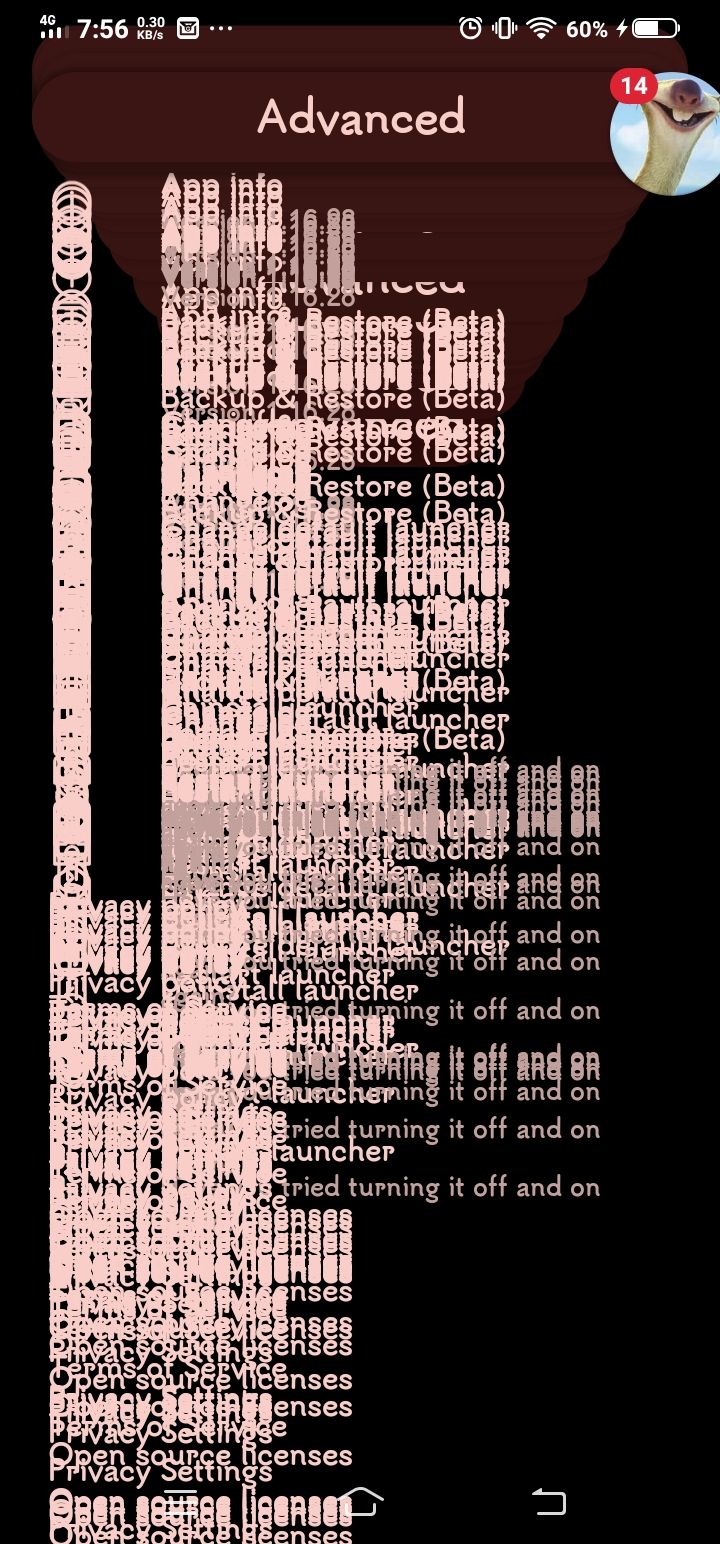
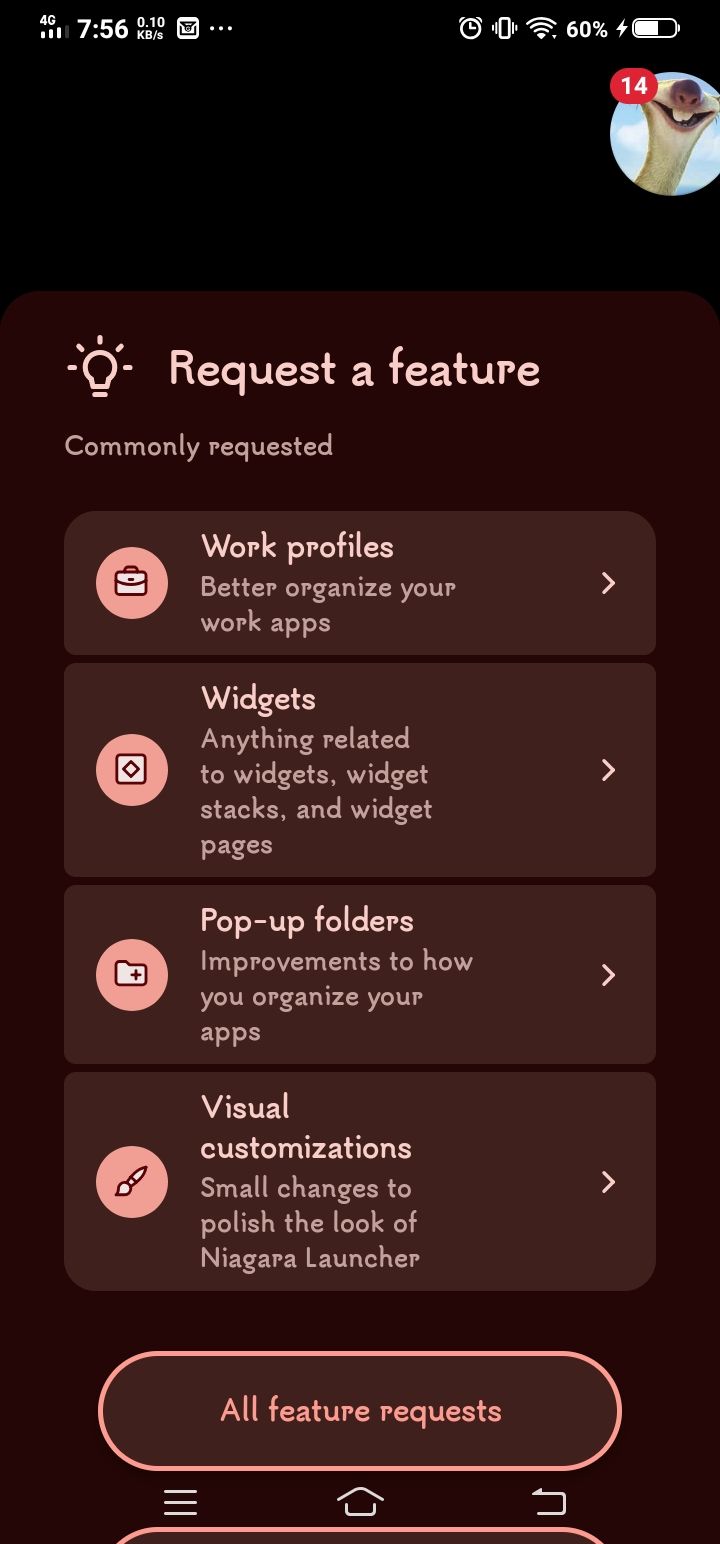
Whenever I go to Niagra Settings, the words and icons will overlap over each other(1), except for other settings(2).
How to get error:
Go to Niagra Settings (that's it.)
- Manufacturer and Device Name
- Android Version
- Problem occurs with other Launchers
- Third-Party Launchers Tested
- Niagara Launcher Version
Log in to comment and vote
Comments1
NL Help Bot
Sep 21
Thanks, your two screenshots make this easy to place: the second one shows a screen drawing normally, and the first shows the settings list painting every row several times on top of itself while scrolling. That is a known issue, collected here: Niagara Settings UI renders duplicated/overlapping on Motorola Moto G6 Plus (In Review).
The title names a Motorola, but that thread now holds a Moto G6 Plus, a realme and a Xiaomi Mi A1, and every one of them runs Android 9 like your Vivo Y11. So the Android version looks like the common factor rather than the manufacturer. Your report also adds Niagara 1.16.28, which is newer than any version in that thread, and that tells us the problem is still around.
Upvoting that post gets you notified when its status changes, and one thread holding all the reports helps us more than several separate ones. One thing you could check: does the settings screen look like this right after a fresh install too, before restoring anything? That is the open question over there.