Widget Stack full popup unresponsive when prompted to remove widgets
1) Set Spotify as a favorite in home screen.
2) Swipe to add the Spotify Widget (the one with multiple album covers)
3) At the home screen, add any custom widgets until the limit is hit.
4) Swipe the Spotify app to invoke the small window with the widget and shortcuts.
5) Press “Add widget” (see picture below) and then follow the instruction to add a new Spotify widget to home screen.
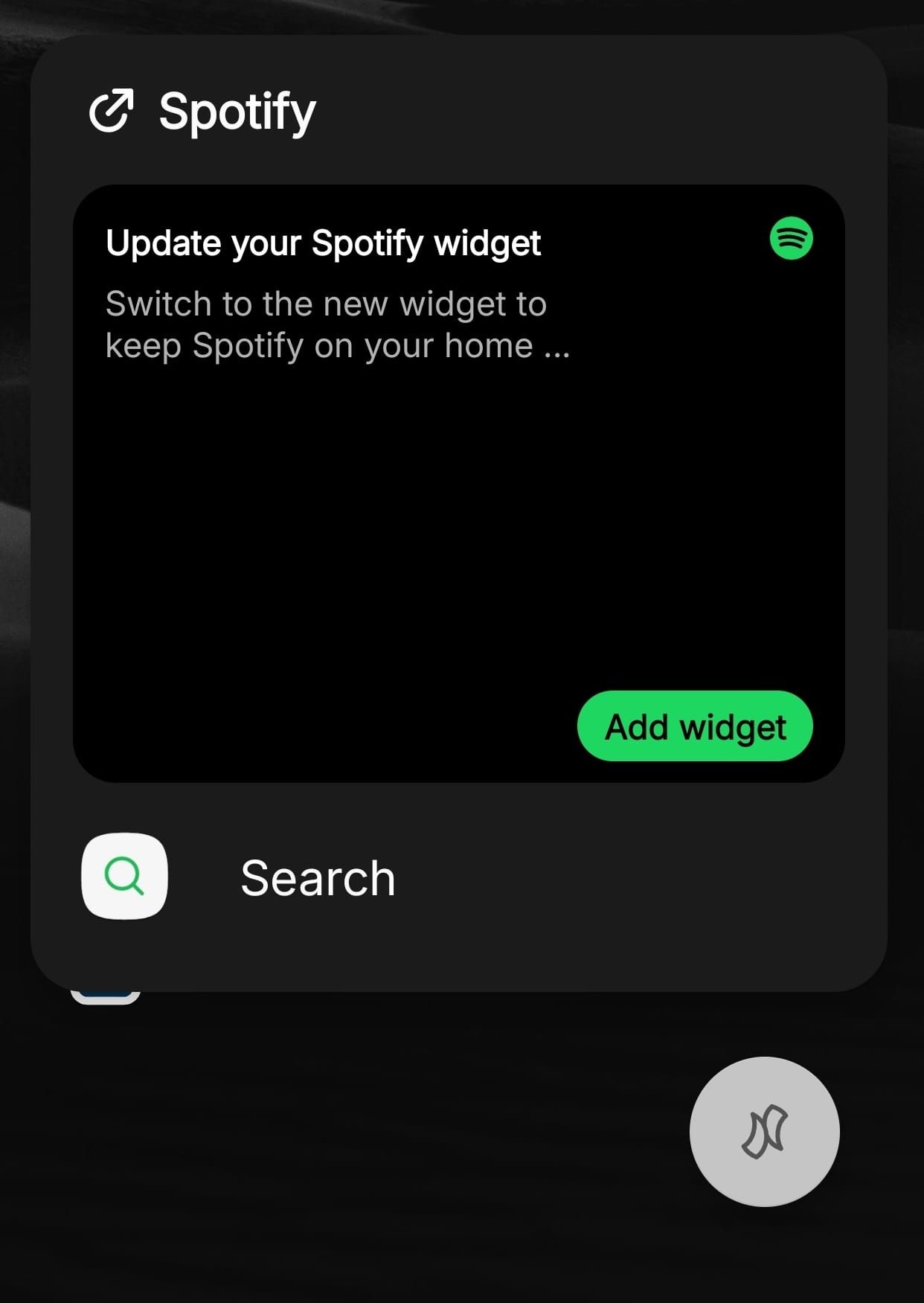
6) The Widget Stack full popup is not responding to any touches to cancel or choose a widget.
- Manufacturer and Device Name
- Android Version
- Problem occurs with other Launchers
- Niagara Launcher Version
Log in to comment and vote
Comments1
rebirthcool
Jul 2
Forgot to add: the popup stays on screen until Home or Back is pressed.