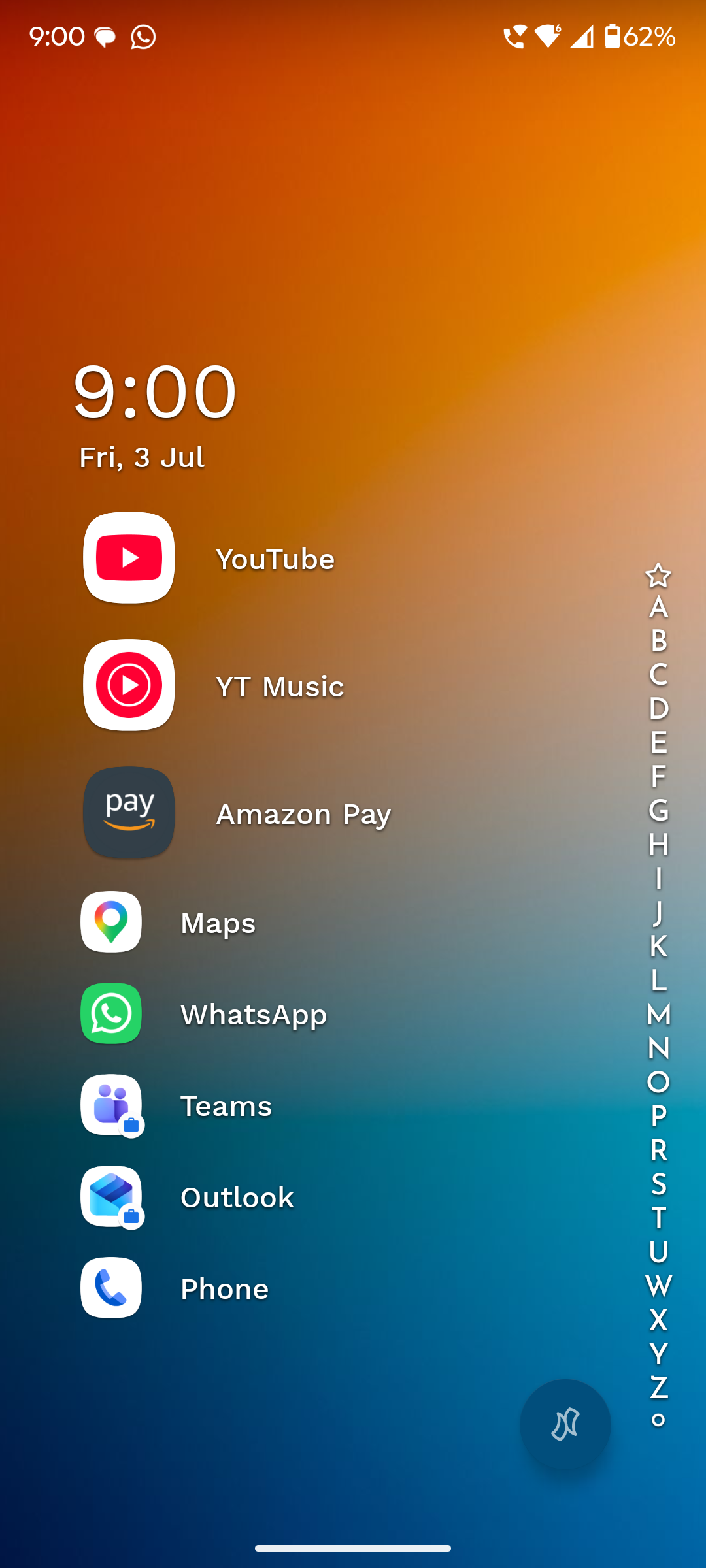
Icons of favorites show up in different sizes
Go to Niagra settings → Themes → Edit Current Theme
Select the icon settings(first in the list) and make the icon size the largest.
If you now see the home screen. The first 3 icons are large and the others are in normal size.
- Manufacturer and Device Name
- Android Version
- Problem occurs with other Launchers
- Third-Party Launchers Tested
- Niagara Launcher Version
Log in to comment and vote
No comments yet
Be the first to share your thoughts.